
GitHub Profile Cards
Show your GitHub profile, contribution activity, and pinned repositories
GitHub Profile Cards
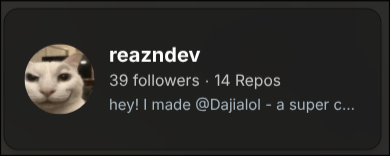
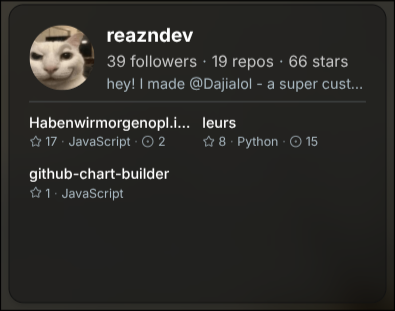
The GitHub Profile cards show your GitHub profile on your page.
Work in progress
Use case
| Use case | Sizes |
|---|---|
| Show your GitHub avatar, followers, repositories, bio, and optional activity or pinned repos. | s, st |
Setup
Connect GitHub first, then choose the compact or stacked version and decide what appears in the stacked card.
Settings
| Setting | What it does |
|---|---|
| GitHub Username | Chooses which GitHub account to show. |
| Bottom Section | Chooses whether the stacked card shows pinned repositories or an activity chart. |
| Months to Show | Changes how much activity history appears in the chart. |
| Square Size | Changes the size of each contribution square. |
| Square Spacing | Changes the space between squares. |
| Corner Roundness | Changes how rounded the squares look. |
| Background Color | Changes the chart background color. |
| Inactive Color | Changes the color of inactive days. |
| Minimum Activity Color | Changes the color of low-activity days. |
| Maximum Activity Color | Changes the color of high-activity days. |
| Show Labels | Shows or hides the chart labels. |
| Label Color | Changes the label color. |