
Cards
Add, configure, and arrange the bento cards shown on your profile grid
Cards
Add, arrange via drag-and-drop, and configure modular cards under Cards ↗.
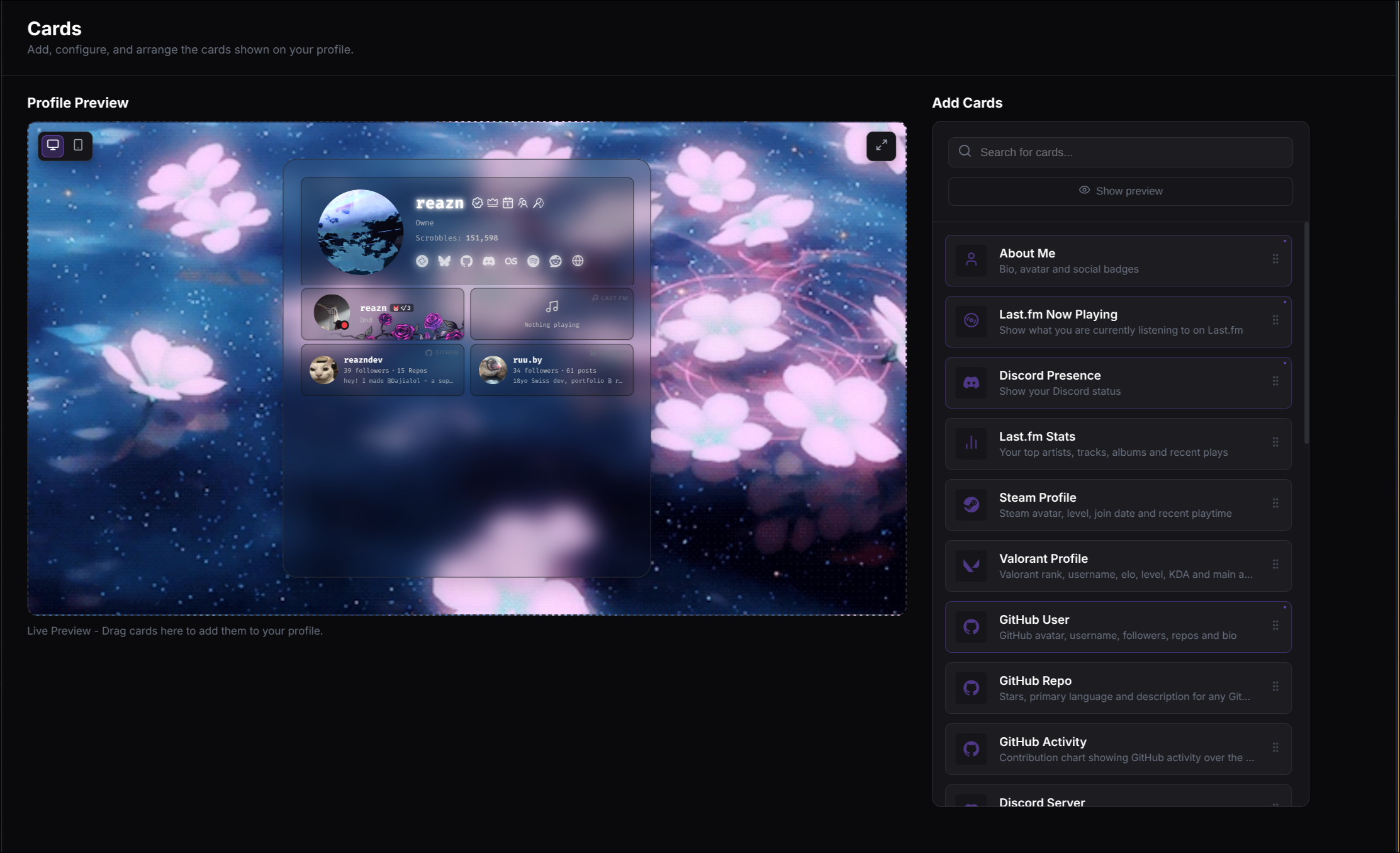
The Grid
Your profile uses a beautiful, responsive bento grid layout. You can design your page visually:
- Move Cards — Click and drag a card to any empty space in the editor grid to reposition it.
Profile Pages (Premium)
Premium profiles can add up to five named pages. Each page has its own copy of the normal profile container and card grid, so its capacity is determined by the layout—not a card-count limit. Manage pages from the Cards settings tab: select a page, rename it, add a page, or remove any page except Main.
Visitors switch pages from the tabs above your profile content. A page can be shared directly with a readable URL such as /your-username/projects. If Premium access ends, Dajia keeps your pages and cards safely stored but shows only Main publicly until Premium is restored.
Size system
Different cards support different sizes on your grid:
| Size | Grid Dimension | Typical Use |
|---|---|---|
s | 1x1 | A square block. Great for single stats, profile pictures, or short text. |
st | 1x2 | A vertical rectangle. Perfect for tall content like GitHub activity lists. |
m | 2x2 | A horizontal rectangle. Ideal for more detailed profiles or two-column content. |
l | 2x3 | A full-width block. Excellent for showcase features or large stats. |