
Social Links
Add and organize the links shown on your profile
Social Links
Open Social Links ↗ to add the websites and profiles you want to show on your page.
This is where you pick platforms, add custom URLs, and organize the order they appear on your profile.
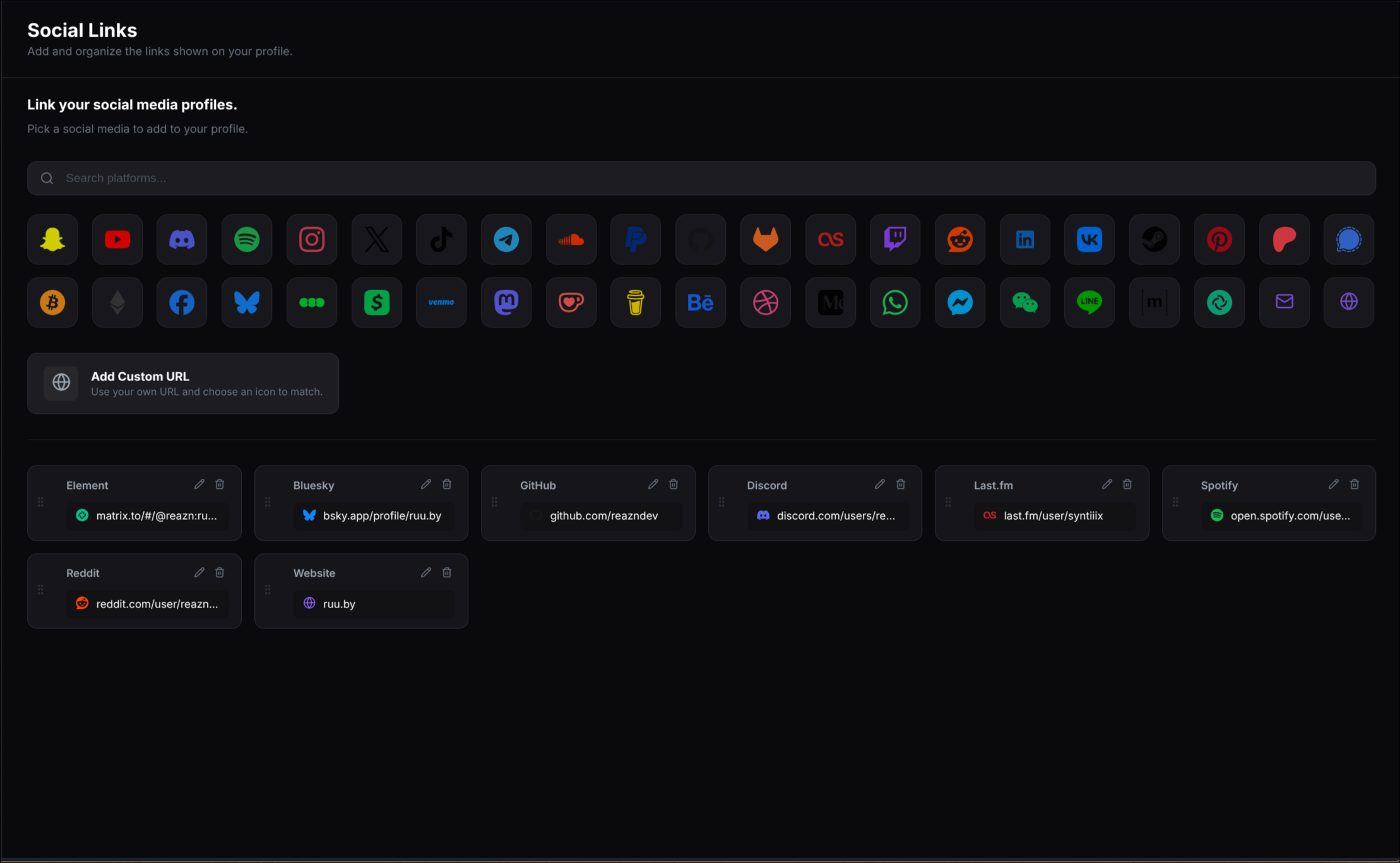
You can search for a platform, click its icon to add it, and drag your active links into the order you want.
What you can do here
Search platforms
Find a platform quickly with the search bar.
Add built-in links
Click a platform icon to add that service to your profile.
Add a custom URL
Use your own link and pick an icon to go with it.
Edit and reorder
Update existing links or drag them into a new order.
A simple way to set up your links
Find the platform you want
Use the search bar if you already know what you want to add, or browse the platform icons below it.
Click a platform icon
Select a platform like GitHub, Discord, Spotify, or Reddit to open its link form.
Save the link
Add the details for that platform, then save it so it appears in your active links list.
Organize your list
Use the cards at the bottom of the page to edit, remove, or drag your links into the order you want on your profile.
Link types
What it is: A platform link is a link for a built-in service like GitHub, Discord, Spotify, YouTube, or Reddit.
Where it is used: It appears in the social links section of your profile using that platform's icon and style.
What it is: A custom URL is your own link that is not tied to one of the built-in platform buttons.
Where it is used: It appears on your profile like any other social link, but with your chosen label and icon.
What you see in the active links list
Platform name
Shows which service or custom label the link belongs to.
Link preview
Shows a shortened version of the link or username you added.
Edit
Open the link again to update it.
Delete
Remove the link from your profile.